The Event Loop
How JS runtimes schedule work — call stack, macrotasks, microtasks, rendering, and how to talk about it in interviews.
- event-loop
- concurrency
- async
- runtime
JavaScript runs with one call stack. Async does not mean “another thread ran my callback.” It means something else (browser Web APIs, Node bindings) finished work later, and the runtime put a callback into a queue. The event loop is the boring, critical job of deciding what runs next.
If you only memorized “promise before setTimeout,” you’ll pass a quiz. If you understand why, you can reason about freezes, order bugs, and chunking work — the stuff that shows up in real apps and in solid interviews.
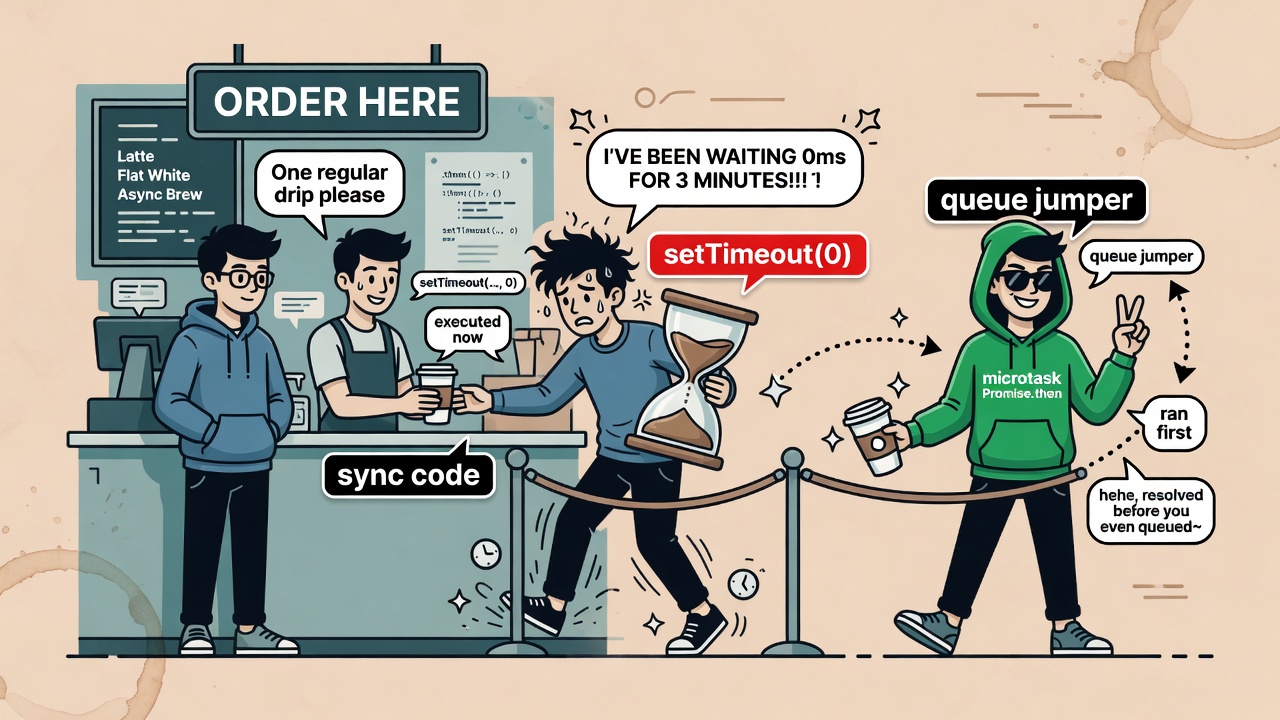
Microtasks cut the line after the current macrotask finishes. setTimeout(0) is still “later,” not “next line.”
The pieces (not magic)
| Piece | What it is |
|---|---|
| Call stack | Where functions actually run. LIFO. Empty = engine can take more work. |
| Web APIs / host | Timers, fetch, DOM events, etc. Not the JS engine itself. |
| Macrotask queue | “Tasks”: script run, timers, many events, I/O callbacks. |
| Microtask queue | Promise reactions, queueMicrotask, MutationObserver, await continuations. |
The engine mostly sleeps. A task appears → it runs → maybe more work is queued → sleep. That’s the loop in one breath.
Two host rules that bite people:
- Painting waits for the current task to finish. A long sync loop freezes the UI even if you keep writing to the DOM inside it.
- A task that never ends starves everything else — clicks, timers, the “page unresponsive” dialog.
Macrotask, then all microtasks, then paint
A useful simplified order (browsers are more detailed in the HTML spec):
- Run one macrotask until the stack is empty.
- Drain the entire microtask queue (including microtasks scheduled while draining).
- Optionally render.
- Take the next macrotask. Repeat.
console.log('1 sync');

setTimeout(() => console.log('4 timeout'), 0);

Promise.resolve().then(() => console.log('3 microtask'));

console.log('2 sync');

// 1 sync → 2 sync → 3 microtask → 4 timeout
Why? The script itself is a macrotask. When it finishes, microtasks run before the next macrotask (setTimeout). That’s the classic “promise beats timeout” demo — not a special case for promises, a queue priority rule.
A trace interviewers love
console.log('Start');

setTimeout(() => {
  console.log('Timeout 1');
  Promise.resolve().then(() => console.log('Promise 2'));
}, 0);

Promise.resolve().then(() => {
  console.log('Promise 1');
  setTimeout(() => console.log('Timeout 3'), 0);
});

setTimeout(() => console.log('Timeout 2'), 0);

console.log('End');

// Start, End, Promise 1, Timeout 1, Promise 2, Timeout 2, Timeout 3
Rules the trace makes obvious:
- Microtasks run before any waiting macrotask once the stack is empty.
- After each macrotask, microtasks drain again (Timeout 1 schedules Promise 2 → Promise 2 runs before Timeout 2).
- A microtask that schedules a timer appends to the macrotask queue; it doesn’t jump ahead of timers already waiting.
async/await is promises with better syntax
console.log('1');

async function run() {
  console.log('2');
  await Promise.resolve();
  console.log('3');
}

run();
setTimeout(() => console.log('4'), 0);
Promise.resolve().then(() => console.log('5'));
console.log('6');

// 1, 2, 6, 3, 5, 4
await does not block the thread. It pauses that function, schedules the rest as a microtask when the value settles, and returns control to the caller immediately.
When knowledge becomes product sense
Split work so the UI can breathe
One giant loop blocks paint and input. Chunk it and yield with a macrotask (setTimeout, MessageChannel, scheduler.yield where available). Microtasks alone will not yield for rendering — they drain first.
function chunked(total, size, onDone) {
  let i = 0;
  let sum = 0;

  function tick() {
    const end = Math.min(i + size, total);
    while (i < end) {
      sum += i;
      i++;
    }
    if (i < total) setTimeout(tick, 0);
    else onDone(sum);
  }

  tick();
}
Nested setTimeout(0) can pick up a ~4ms clamp after a few levels in browsers — something people learn the hard way when “chunking” still feels laggy. For tighter yielding, prefer MessageChannel or the Scheduling APIs when you care.
Progress only shows between tasks
Update a progress node a million times inside one task and the user sees only the final value. Split tasks if you want intermediate paints.
Microtask starvation is real
If every microtask schedules another microtask forever, macrotasks (and paint) never get a turn. Bounded work only.
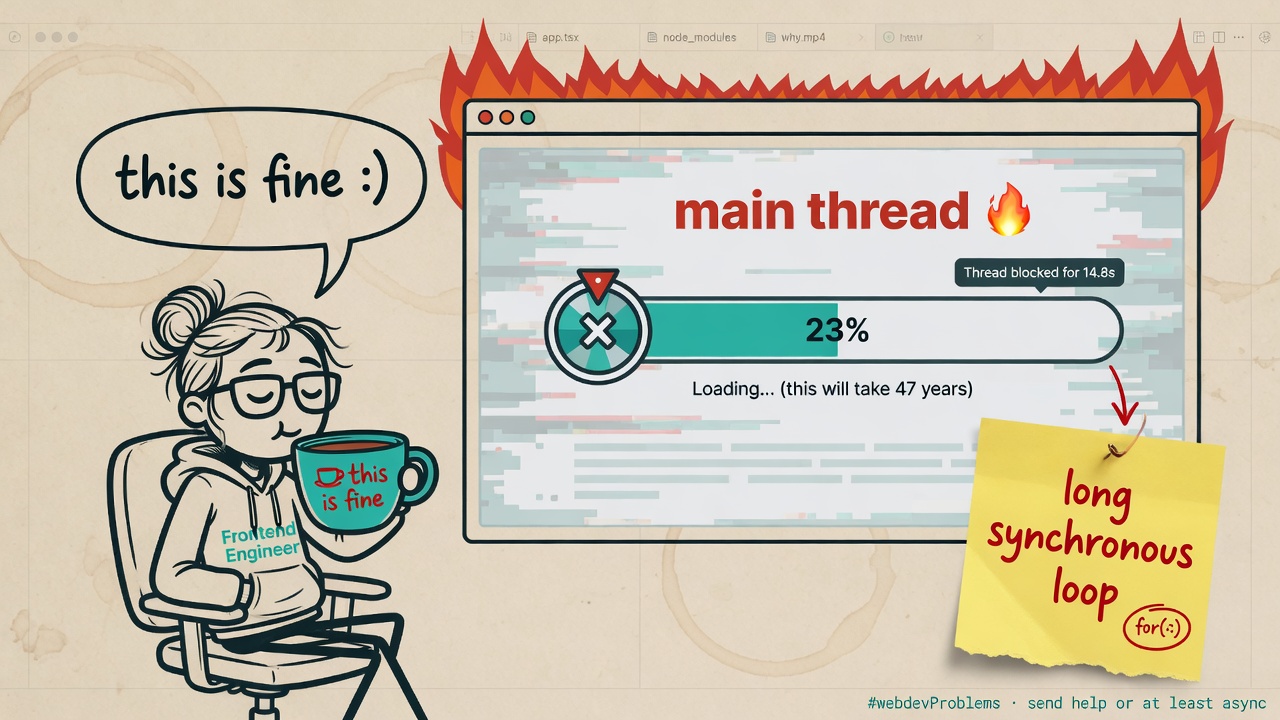
If the stack never empties, queues don’t matter. Yield or move the work off the main thread (Workers).
Interview answer (out loud)
“JS has a single call stack. Host APIs handle async work and queue callbacks. The event loop runs a macrotask, then drains microtasks, then may render. Promises and
awaituse the microtask queue; timers use the macrotask queue. That’s why.thenruns beforesetTimeout(0), and why long sync work freezes the page.”
Further reading (primary sources)
We rewrote this from first principles. For the full textbooks, use:
- Event loop: microtasks and macrotasks — javascript.info
- Event loop / call stack quiz framing — GreatFrontEnd
- HTML event loop processing model — WHATWG
- Concurrency model and event loop — MDN
Related on this site
Related guides
- PromisesSettlement, chaining, errors, Promise API helpers, and how promises plug into the microtask queue — without cargo-cult async.
- client offset scroll Dimensionsclient offset scroll Dimensions explained for frontend engineers — mental model, examples, common mistakes, and interview tips.
- ClosuresA function plus its lexical environment — scope chains, factories, privacy patterns, loop gotchas, and memory.
- Pub Sub vs ObserverPub Sub vs Observer explained for frontend engineers — mental model, examples, common mistakes, and interview tips.
- getBoundingClientRectgetBoundingClientRect explained for frontend engineers — mental model, examples, common mistakes, and interview tips.